How to Clean-Up Storage?
Within the Account Usage page, there is an option to review the allocated storage and its current utilization. In the event of system unavailability, you can verify the storage status on the Account Usage page. If the allocated storage has been fully utilized, you can then proceed to the Clean-Up Storage section to perform necessary clean-up actions and promptly resume your work within the system.
To initiate a Storage Clean-Up in the system, follow these steps:
1. Navigate to the Clean-Up Storage option located in the left-hand side menu on the home screen.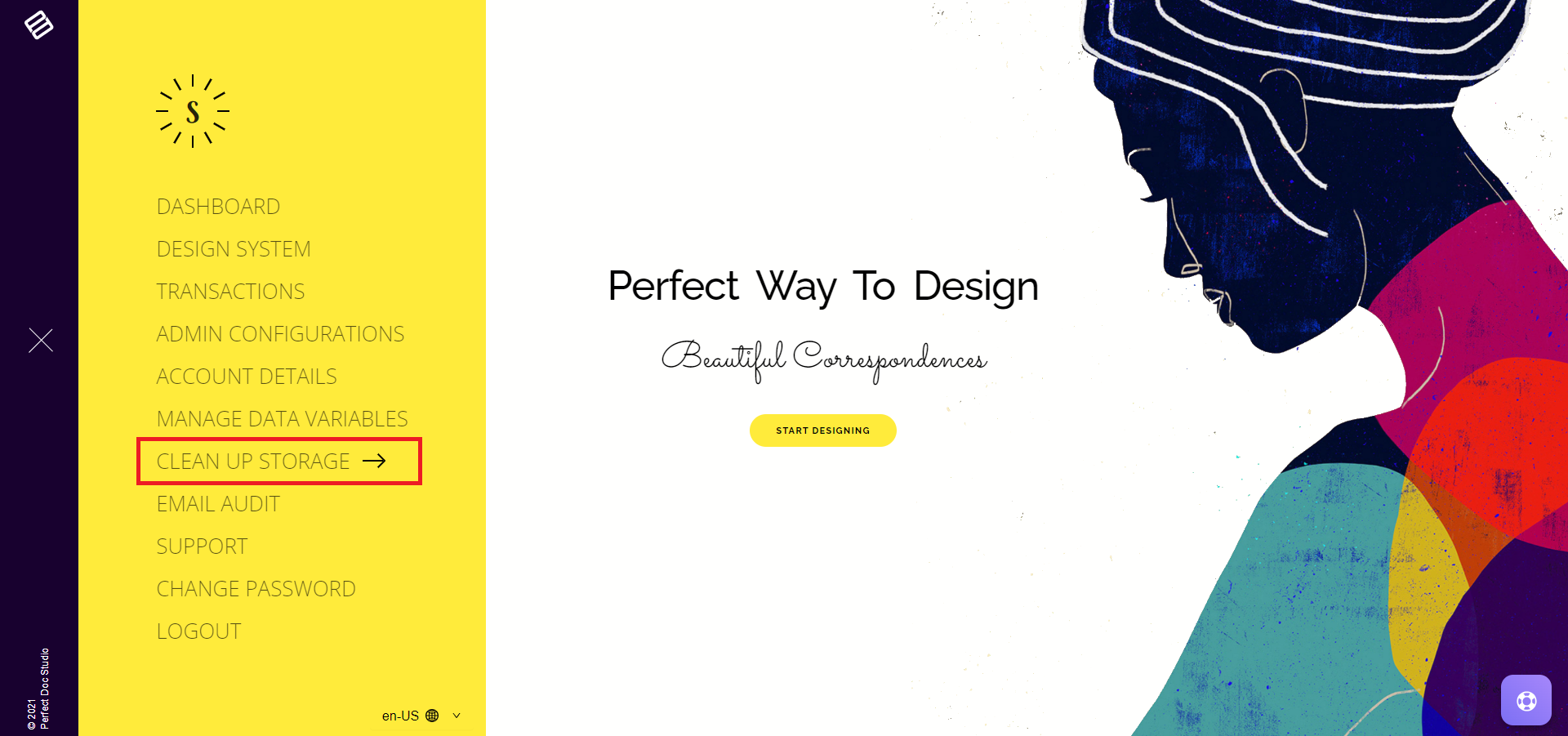
2. On the landing page, you'll find details regarding available storage, exhausted storage, and the number of generated documents based on your subscription plan.
3. Below, there's an option to filter and tidy up documents by selecting specific criteria such as Environment, Channel, Team, File Type, and Templates.
4. Additionally, you can clean documents generated within a particular date range.
5. Input the required filters and click on the Search button.
6. The system will display a list of documents based on your search criteria.
7. Proceed to clean up those documents, allowing you to resume transactions without any hindrance.
Related Articles
Introduction to Clean-Up Storage
Each account is assigned a specific storage capacity based on the chosen subscription plan. This allocated storage is utilized for storing assets such as images, generated documents, email templates, and more. Should a user surpass the allotted ...What are the different user roles in the system and their access controls?
In Perfect Doc Studio, a team can have an unlimited number of users. This ensures that each user has a defined set of roles, responsibilities, and permissions within the system. Assets such as templates, images, and fonts are managed based on the ...Managing Entities & Variables
Entity and Variable: To maintain a structured and efficient system, entities such as funds, users, patients and applications are identified and represented using variables in camelCase format. A variable is a named storage space designed to hold ...How to Monitor Plan limits and current usage?
The Usage section is designed to keep track of and inform about the various features and allowances that come with each subscription plan. It displays the total and remaining number of transactions relative to the chosen plan. For instance, if you ...