Managing Teams in Perfect Doc Studio
In Perfect Doc Studio, organizations have the flexibility to create multiple teams as needed. This functionality enables better organization and streamlined management of templates.
Each template can be assigned to a specific team, ensuring that access remains restricted to only the relevant users. Other teams will not have access to templates outside their designated team unless explicitly granted permission. If a user requires access to a template from another team, they can be added to that team, allowing controlled access to the required template.
This approach helps organizations manage their assets efficiently, maintaining security, accessibility, and structured collaboration across different teams.
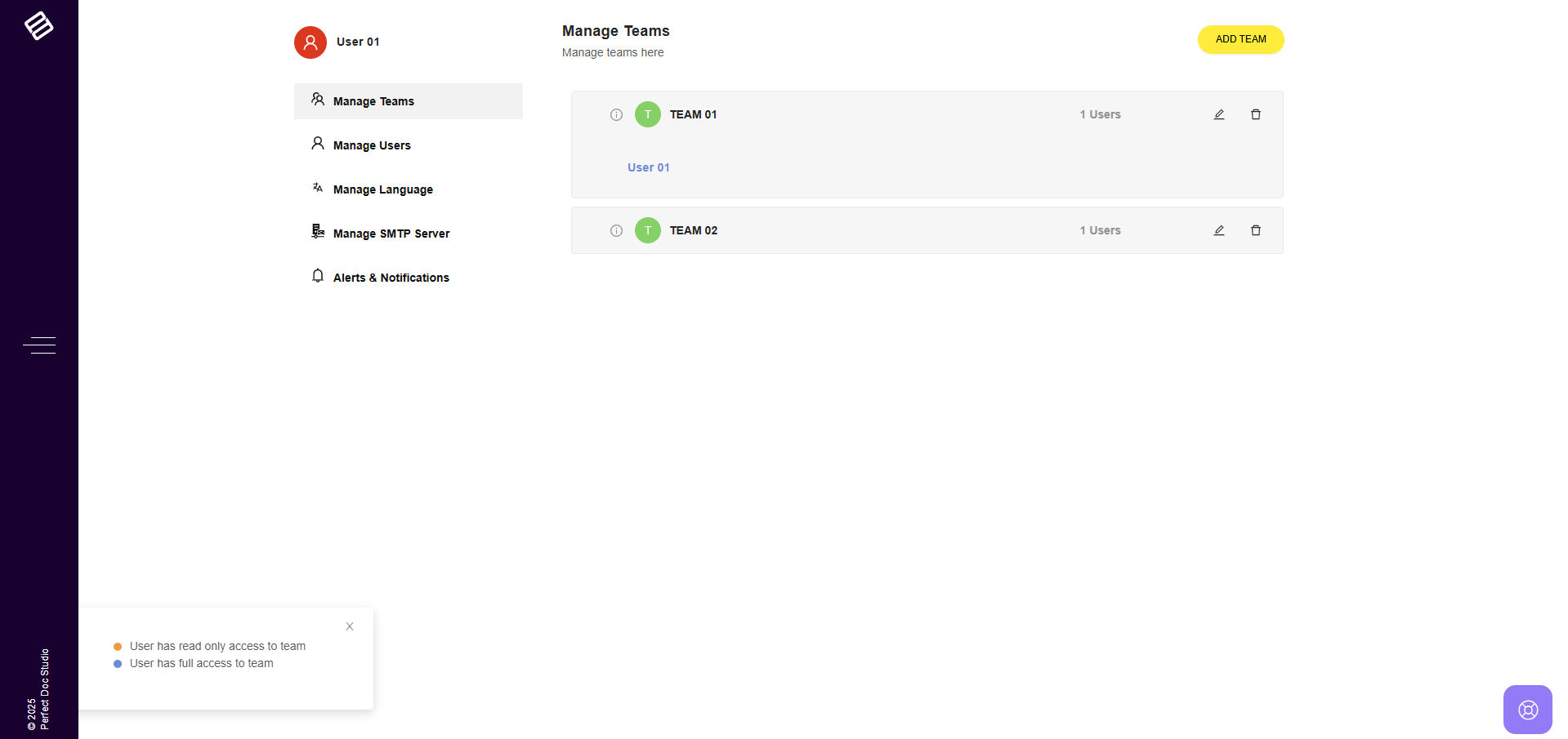
Read more about Create, Edit and Delete teams HERE!
Related Articles
What is Perfect Doc Studio?
Overview Perfect Doc Studio is a cloud-based Customer Communication Management (CCM) platform that empowers businesses to create, manage, and deliver personalized and interactive communications across multiple channels such as Email, SMS, Print, and ...How to Create, Edit and Delete Teams
Team management in Perfect Doc Studio is simple and efficient. You can create teams based on the subscription plan you have selected. Team Creation: 1. Click on the "Admin Configurations" section in the left-hand menu. Note: Please note that only ...How to Create a Fillable Document in Perfect Doc Studio
Perfect Doc Studio makes creating fillable documents simple and efficient. With features like signature fields, checkboxes, and other interactive form elements, you can design professional, user-friendly forms that are easy to complete digitally. ...What are the different user roles in the system and their access controls?
In Perfect Doc Studio, a team can have an unlimited number of users. This ensures that each user has a defined set of roles, responsibilities, and permissions within the system. Assets such as templates, images, and fonts are managed based on the ...How to make your Document Truly Accessible using Perfect Doc Studio?
Before making a document accessible, users must first enable the Accessibility option in the Document Settings section. Without enabling this option, the accessible design features will not be available. Once enabled, users can make their documents ...